
Dyson Purifier Hot plus Cool™ purifier fan heater, with the amplifier loop and mesh filter cover, screen below the loop amplifier and outer cover release button on the side.
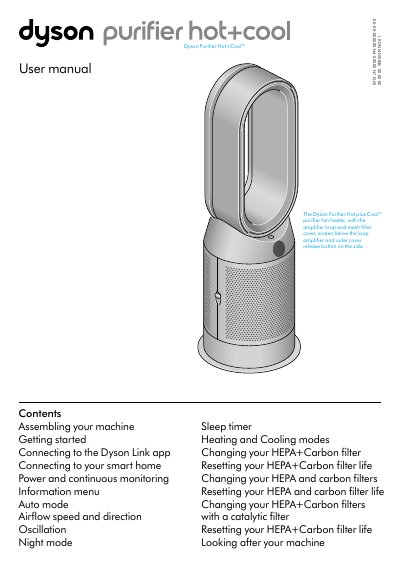
The Dyson SV12 Purifier Hot+Cool is a purifying fan heater with an amplifier loop and mesh filter cover. It is supplied with HEPA+Carbon filters, separate HEPA and carbon filters, or a permanent catalytic filter with HEPA+Carbon, depending on the variant.
The manual covers assembly, connecting to the Dyson Link app and smart home systems, power and continuous monitoring, the information menu, auto mode, airflow and oscillation, night mode, sleep timer, heating and cooling modes, and filter replacement and filter life reset.
| Oscillation range | 0° to 350° |
|---|---|
| PM10 particle size | up to 10 microns |
| PM2.5 particle size | up to 2.5 microns |
| Continuous monitoring activation | press and hold Auto mode button for 5 seconds |
| Wi-Fi on/off activation | press and hold Standby on/off button for 5 seconds |
| Filter life reset countdown | countdown from five |
Download the Dyson Link app from the App Store or Google Play, open it, and follow the on-screen instructions to create a new account.
Press and hold the Night mode button on the remote control; the display counts down from five and the filter life is reset.
It gathers air quality, temperature and humidity information, which is displayed on the LCD screen and in the Dyson Link app.
Press the Airflow direction button to change the direction of airflow from front to back.