
Dyson CD06 Light User Manual

User manual for the Dyson CD06 light, covering assembly, positioning, brightness/color settings, Bluetooth connectivity, and USB-C charging.
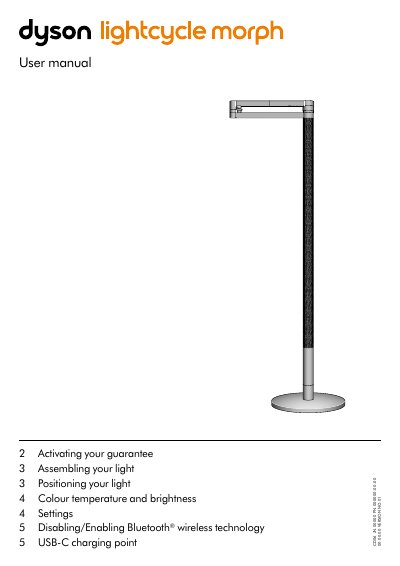

Dyson CD06 Light User Manual - cover page
Brand
Dyson
Category
lighting
Document type
User Manual
Language
English
Pages
5
File format
PDF
File size
14 MB
Published
31 October, 2026
Updated
31 October, 2026
MD5 checksum
1A5507A2FF33D63C7BEA72994614E2A5

About this manual

This manual provides instructions for the Dyson CD06 light, including how to activate the guarantee, assemble the device, and position the light. It details the independent rotation of the optical head, arm, and stem up to 360 degrees.

What's inside

  • Activating your guarantee
  • Assembling your light
  • Positioning your light
  • Colour temperature and brightness
  • Disabling/Enabling Bluetooth
  • USB-C charging point

Specifications

Rotation rangeup to 360°
Auto-off timerfive minutes
Charging output1.5A at 5V

Frequently asked questions

How do I disable Bluetooth on the light?

Press and hold the middle button until the LED lights on the three buttons blink.

How do I re-enable Bluetooth?

Repeat the instructions used to disable Bluetooth.

Download PDF (14 MB)

More Dyson Manuals


View all Dyson manuals →