
This manual provides instructions on how to use the Dyson Gen5outsize vacuum cleaner, including how to clean floors, change the battery, empty the bin, and clean the filter.
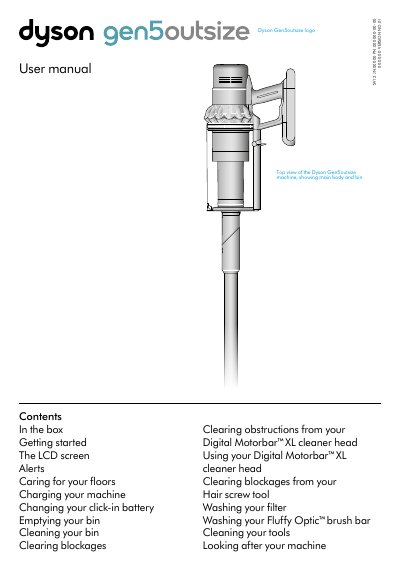
The Dyson Gen5outsize (model SV12) is a cordless vacuum cleaner with a click-in battery, LCD screen, and multiple power modes (Eco, Auto/Med, Boost). It comes with two cleaner heads (Digital Motorbar™ XL and Fluffy Optic™) and a range of tools for various cleaning tasks.
The manual explains how to assemble the machine, use the LCD screen to monitor dust particle counts and adjust settings, interpret alerts (blockage, temperature, non-Dyson battery), charge via wall dock or direct charger, empty and clean the bin, wash the filter, clear blockages, and maintain the cleaner heads and tools.
| Power modes | Eco, Auto/Med, Boost |
|---|---|
| Hair screw tool | Anti-tangle conical brush bar for hair removal |
| Battery type | Click-in battery |
| Extension hose reach | Up to 24 inches |
Press the silver Selection button on the LCD screen to cycle through Eco, Auto/Med, and Boost modes.
It indicates a blockage that needs to be removed; the machine will show an animation of which airways to check.