
Dyson Pure Hot+Cool User Manual. Provides instructions on how to assemble, use and maintain the product.
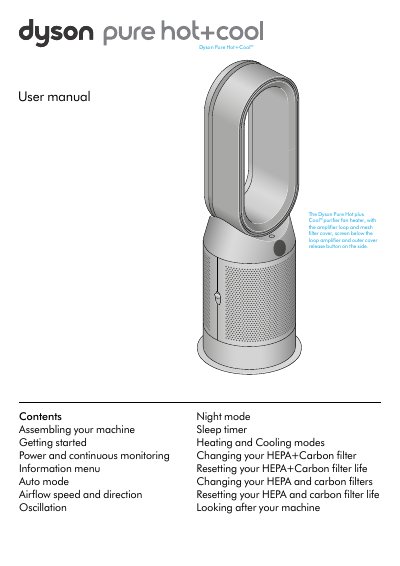
This manual explains how to assemble, operate, and maintain the Dyson Pure Hot+Cool air purifier fan heater. It covers filter installation and replacement, remote control functions, and air quality monitoring. Users can adjust airflow, temperature, and modes including auto, night, and sleep timer. Regular cleaning and resetting filter life are essential for optimal performance.
The manual includes detailed steps for changing HEPA+Carbon or separate HEPA and carbon filters, resetting filter life via remote controls, and troubleshooting basic errors. It also describes how to use the LCD screen to monitor air quality, temperature, and humidity levels in real time.
Press and hold the Night mode button on the remote control for 5 seconds to reset the filter life.
Push down on the buttons either side of the machine to release the outer cover, remove the old filter, insert the new one, and secure the covers.
It displays air quality, temperature, humidity, and filter life, with symbols for pollutants like VOCs, formaldehyde, and particulate matter.