
This user manual introduces how to use and maintain the Dyson V12 detect slim vacuum cleaner
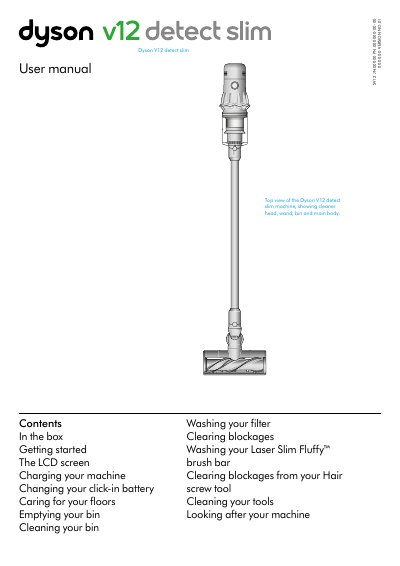
This manual explains how to set up and operate the Dyson V12 detect slim vacuum cleaner. It covers using the LCD screen, changing power modes, charging the battery, and cleaning the bin and filters. It also includes instructions for maintaining the machine and caring for floors to avoid damage.
The guide details how to use the laser feature to detect dust, switch between cleaning tools, and manage alerts for filter maintenance or blockages. It provides step-by-step instructions for emptying the bin, washing the filter, and cleaning the brush bar and tools.
Press and hold the button until the language list appears, then tap to scroll to your preferred language and hold the button until a green tick appears.
Press the red wand release button, pull the wand away, hold the machine over the bin, push the red bin release button, and slide the bin down to open the base.