
The APOLLO™ MS-SRX400 is a versatile audio system with the following features:
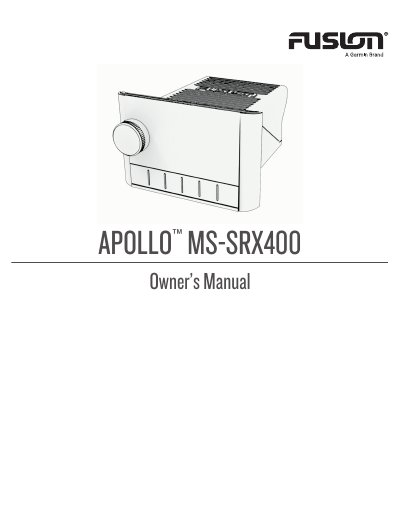
This owner's manual for the Garmin Apollo MS-SRX400 stereo explains how to use the controls and menus. It covers entering text, selecting sources, adjusting backlight brightness, volume, subwoofer level, tone, and the LOUD setting.
The guide also describes DSP configuration through the Fusion-Link app, Bluetooth playback, radio tuning, Apple AirPlay, UPnP playback, and Fusion PartyBus networking. It includes network settings, troubleshooting, specifications, and stereo dimension drawings.
| Bluetooth media devices | Up to eight |
|---|---|
| DSP | Digital signal processing |
You can pair the stereo to up to eight Bluetooth media devices.
Press and hold the dial for longer than 10 seconds.
Press and hold the dial, then select MUTE SYSTEM.