
The HTC Desire 20 pro is a quad camera phone with the following features:
This user guide covers the HTC Desire 20 pro smartphone, including initial setup, inserting the nano SIM and microSD cards, charging the battery, navigation, security, calls, messages, contacts, camera use, apps, battery, storage, and wireless connections.
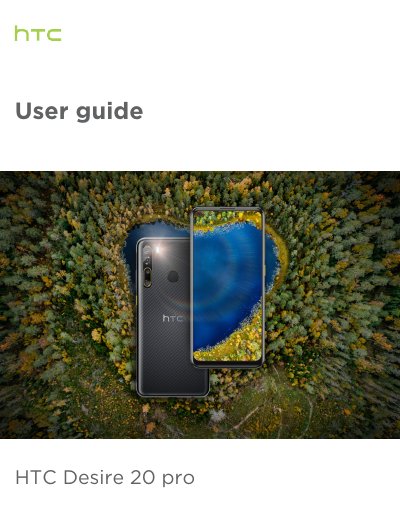
The phone is shown with a USB Type-C connector, a 3.5mm headset jack, quad rear cameras with dual LED flash, and a fingerprint scanner on the back panel. A 4G/LTE plan is required to use the operator's 4G/LTE network for voice calls and data services.
| SIM and storage card tray | nano SIM and storage card tray |
|---|---|
| USB connector | USB Type-C |
| Headset jack | 3.5mm |
| Rear cameras | Quad cameras |
| Sensors | Proximity and light sensor |
| Network requirement | 4G/LTE plan required for voice calls and data services |
It uses a standard nano SIM only. HTC says not to cut a larger SIM card to fit because it may get stuck in the slot.
Insert the tip of the tray eject tool that came with the phone, or a small bent paperclip, into the tray eject hole and push until the tray ejects.
Yes. Do not cover or block the proximity sensor, and use a case or screen protector designed for HTC Desire 20 pro.
Yes, a fingerprint scanner is shown on the back panel.