
The HTC-8 manual explains how to use its temperature, humidity, clock, alarm, and memory functions.
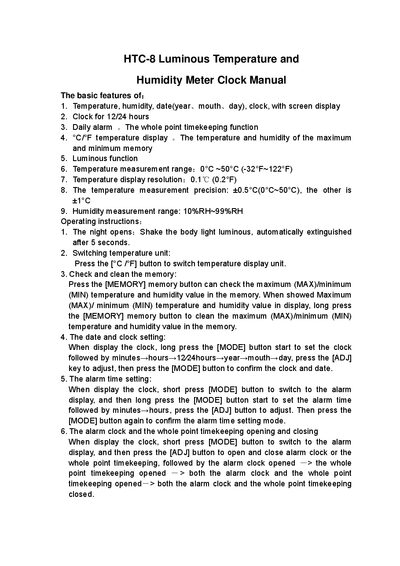
The HTC-8 Luminous Temperature and Humidity Meter Clock provides temperature and humidity measurement, date and time display, alarm, and memory of maximum/minimum values. It features a 12/24‑hour clock, luminous backlight, and selectable Celsius/Fahrenheit units.
The manual details basic features and step‑by‑step operating instructions, including how to set the clock, adjust the alarm, switch temperature units, and clear stored maximum/minimum readings.
| Temperature measurement range | 0°C ~ 50°C (-32°F ~ 122°F) |
|---|---|
| Temperature display resolution | 0.1 °C (0.2 °F) |
| Temperature measurement precision | ±0.5 °C (0 °C‑50 °C), otherwise ±1 °C |
| Humidity measurement range | 10 %RH – 99 %RH |
Press the [°C/°F] button to switch the temperature display unit.
Short‑press the [MODE] button to show the alarm, then long‑press [MODE] to set minutes and hours, adjusting with [ADJ] and confirming with [MODE].
Long‑press the [MEMORY] button while the max/min values are displayed to clear them.