
This user guide explains how to set up, navigate, and use the HTC TV MAX streaming service on supported devices like Apple TV, Android TV, and Amazon Fire TV.
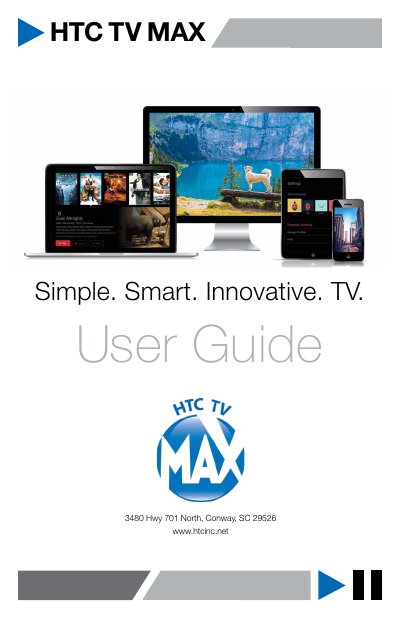
HTC TV MAX is a full-featured television service delivered to various devices including TVs, laptops, smartphones, and tablets. The guide provides instructions on getting started, including downloading the app, creating a profile, and signing into the service. It details the requirements for supported hardware and the initial setup process.
Recommended devices include Apple TV, Android tablets and phones, iPhones and iPads, desktops and laptops, Android TV devices, and Amazon Fire TV Cube and Sticks.
HTC TV MAX provides up to 30 minutes of pause time for live TV content.
You can set up up to 5 different profiles for various members of the household.