
The KODAK Portable Power Station ppS100 is a plug-and-play power supply for outdoor use. With 84 watt-hours of stored energy, you can keep appliances, or electronic devices running.
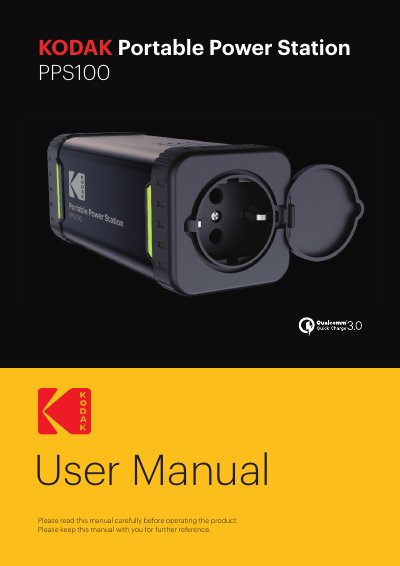
This is the user manual for the Kodak PPS100 portable power station, described in the text as a plug-and-play power supply for outdoor use with 84 watt-hours of stored energy. It is intended as a power supply for electronic devices with a maximum power consumption of 100 W, for use outdoors, in an RV, during emergencies or power outages.
The manual covers the items included in the set, introduction and intended use, detailed safety instructions and symbols, transportation, an illustrated overview of the unit's ports and buttons, charging, technical specifications, using the Kodak PPS100, troubleshooting, frequently asked questions, storage and downtime maintenance, battery service life, disposal and recycling, and warranty and customer service.
| Stored energy | 84 Wh |
|---|---|
| Maximum load power consumption | 100 W |
| AC output | 220V 85W |
| Lithium battery pack capacity | More than 80 Wh |
| Operating and charging ambient temperature | 0 to 40 °C (32 - 104 °F) |
| Mains input voltage | 100-240 V |
The set includes the Kodak Portable Power Station PPS100, a USB to Type-C cable, a USB charger and the instruction manual.
It is intended as a power supply for electronic devices with a maximum power consumption of 100 W.
Press and hold the button for 2 seconds to turn the AC outlet on or off.
Only charge and use the unit within an ambient temperature of 0 to 40 °C (32 - 104 °F).