
Kodak EASYSHARE MAX Z990 is a digital camera with the following features:
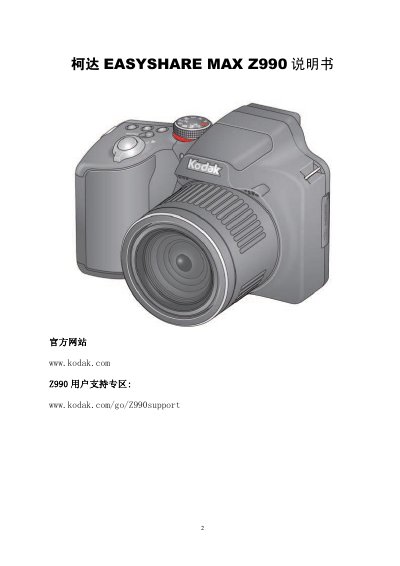
The manual provides instructions for the Kodak EASYSHARE MAX Z990 digital camera, including initial setup (battery, memory card, language/date), shooting modes (smart, scene, creative, PASM), zoom, flash, focus, self-timer, burst, effects, histogram, exposure compensation, panorama, playback, editing (crop, RAW, frames, effects, video trimming), sharing via email/SNS, software installation, troubleshooting common issues, and appendix with specifications, maintenance, firmware updates, storage capacity, safety, battery, warranty, and regulatory information.
The camera features a built-in flash, auto-focus assist lamp, self-timer, video light, lens, stereo microphone, HDMI/USB/AV ports, LCD screen with electronic viewfinder (EVF), tripod socket, SD/SDHC card slot, and internal memory. It supports various shooting modes and offers in-camera editing and sharing functions. This manual is written in Chinese.
| Auto-focus assist lamp | Yes |
|---|---|
| Stereo microphone | Yes |
| HDMI port | Yes |
| AV port | Yes |
| Electronic viewfinder (EVF) | Yes |
| Internal memory | Yes |
Check if the battery needs charging, remove and reinstall the battery, then try again.
Adjust the LCD brightness setting.
Set auto-focus, half-press shutter until green frame appears and stops flashing, keep lens clean, avoid macro mode, use tripod in low light, increase resolution, and avoid high ISO.
Format the SD card (note data will be lost), or replace with a supported SD/SDHC card.