
The Logitech Speaker System Z320 Quick-start Guide provides information on the features and functions of the speaker system.
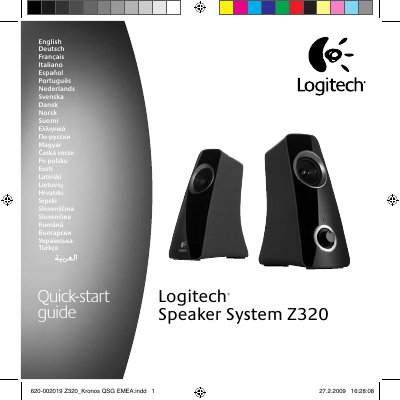
This quick-start guide introduces the Logitech Speaker System Z320 and explains how to set it up and connect it to an audio source. It also describes volume adjustment, headphone use, basic troubleshooting, and the Logitech hardware product limited warranty.
Safety instructions warn against water exposure, heat sources, and other hazards, and the guide includes a troubleshooting checklist for power, sound-card settings, audio source volume, and headphone muting.
With audio playing, use the speaker volume control to adjust the volume for your system.
Unplug the speakers and plug them in again, and make sure the connection is full.
Sound from the speaker is muted whenever headphones are plugged in.
Logitech warrants the hardware product to be free from defects in material and workmanship for two years from the date of purchase.