
The Logitech® Harmony® 600 Remote User Manual describes the features and functions of the remote.
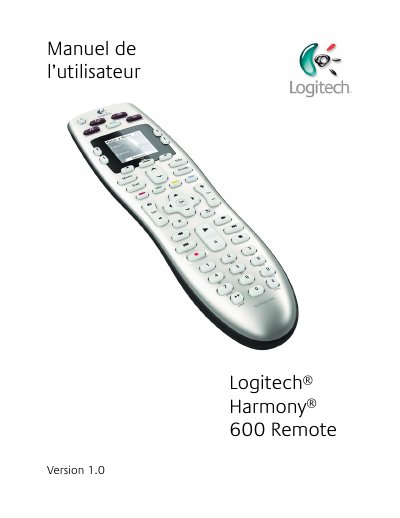
The Logitech Harmony 600 is a universal infrared remote based on activities. The manual explains its buttons, screen, navigation, activity selection, individual device control, favorite channels, setup, configuration changes, and troubleshooting.
It describes initial setup steps such as creating a user account, connecting the remote to a computer, configuring devices and activities, updating the remote, and testing it. It also covers modifying settings, learning commands from an old remote, configuring favorite channels, and using on-remote help. This manual is written in French.
| Remote type | Universal infrared (IR) |
|---|---|
| Maximum configured devices | 5 |
The Harmony 600 can be configured for up to 5 devices.
It turns off all devices in the current activity.
Press the central button under the screen when the activities are displayed.
It lets the remote remember the devices it controls and which are activated.