
Philips GoGEAR SA4RGA02 SA4RGA04 SA4RGA08 user manual
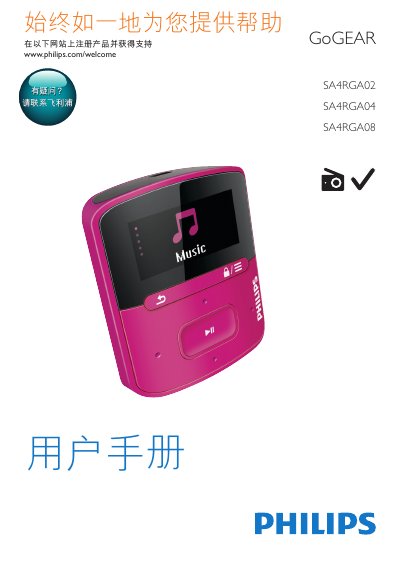
The Philips GoGEAR SA4RGA02/04/08 user manual is a Chinese-language guide for the audio player. It covers important safety information and maintenance, the player controls and home screen, charging and power, music transfer and playback, FM radio, recording, folder view, settings, Philips Device Manager, troubleshooting and technical data.
The manual lists the box contents, including the player, headphones, USB cable, quick start guide and safety and warranty sheet. It also describes the preloaded user manual and FAQ, computer software options, auto standby and display settings, and operating and storage temperature ranges. This manual is written in Chinese.
| Headphone jack | 3.5 mm |
|---|---|
| USB AC/DC adapter output | 5.0 V, 0.5 A |
| Battery | Built-in battery |
| Operating temperature | 0ºC to 45ºC (32ºF to 113ºF) |
| Storage temperature | -20ºC to 45ºC (-4ºF to 113ºF) |
| Idle auto power off | After 5 minutes |
Connect it to a computer with the USB cable. You can also charge it through a USB AC/DC adapter with 5.0 V and 0.5 A output; the adapter is not supplied.
Operate the player in ambient temperatures from 0ºC to 45ºC (32ºF to 113ºF).
Press and hold the lock/unlock key. All buttons except the volume keys are locked and a lock icon appears.
After 5 minutes in idle mode, with no playback and no key presses, the player switches off.