
EasyKey 6300 series sliding smart door lock user manual, introduces the installation, use, setting and maintenance of the door lock.
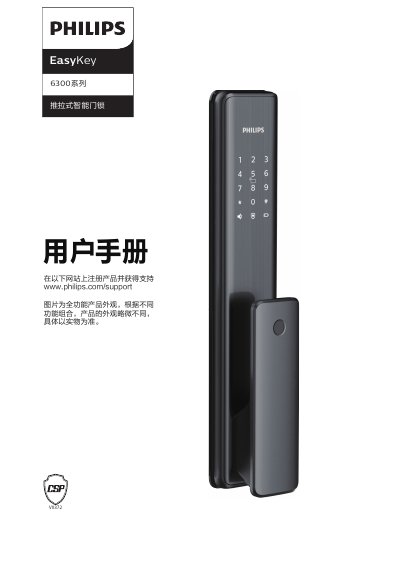
This document is the user manual for the Philips EasyKey 6300 Series push-pull smart lock. It covers installation procedures, including identifying the door opening direction and assembling the faceplates and lock body. The guide also details how to set up the lock, manage users, and configure various security features. This manual is written in Chinese.
| Power Source | 4 x 1.5V Alkaline Batteries |
|---|---|
| Battery Capacity | Up to 8 batteries |
| Door Thickness | 60-90mm (default) |
The lock will emit an alarm and provide a voice prompt to replace the batteries.
Connect a 5V power bank to the Micro USB interface to power the lock.
It indicates that the door has been successfully locked.