
This document is the user manual for the Philips 246E8 276E8 monitor, which introduces the usage methods, installation methods, image optimization methods, technical specifications, etc. of the monitor
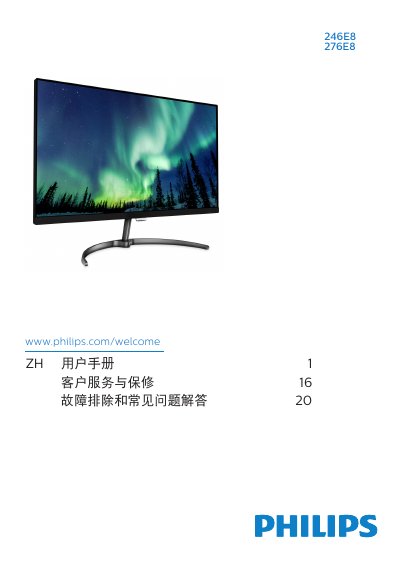
This user manual provides instructions for the Philips 246E8 and 276E8 monitors. It includes safety precautions, installation steps, operating controls, image optimization features such as SmartImage and SmartContrast, FreeSync support, technical specifications, power management, warranty information, and troubleshooting guidance.
The manual details the monitor's operating temperature range of 0–40 °C and humidity range of 20–80% RH, lists compatible AC/DC adapter models for each variant, and describes the on-screen display (OSD) menu navigation via a joystick-like button. It also warns against image burn-in and recommends using a screensaver or screen refresh application when displaying static content. This manual is written in Chinese.
| Operating Temperature | 0–40 °C (32–104 °F) |
|---|---|
| Operating Humidity | 20–80% RH |
| AC/DC Adapter Model (246E8FJS) | Philips ADPC1936 |
| AC/DC Adapter Model (246E8FJA/276E8FJS) | Philips ADPC2045 |
| AC/DC Adapter Model (276E8FJA) | Philips ADPC2065 |
| Ports (2x6E8FJS) | HDMI, DP, VGA, Audio output |
| Ports (2x6E8FJA) | 2× HDMI, DP, VGA, Audio input, Headphone jack |
The monitor operates between 0 °C and 40 °C (32 °F to 104 °F).
Wipe it dry with a soft cloth immediately. If water enters the monitor, turn off the power, unplug it, remove any foreign objects or dry the water, and take it to a service center for inspection.
Activate a moving screensaver or a screen refresh application when the monitor is unattended or displaying static content for long periods.
The 246E8FJS uses ADPC1936; the 246E8FJA and 276E8FJS use ADPC2045; the 276E8FJA uses ADPC2065.