
This manual introduces how to use CITIZEN YF05 watch, including function introduction, connecting to smartphone, setting alarm and notification, changing battery etc.
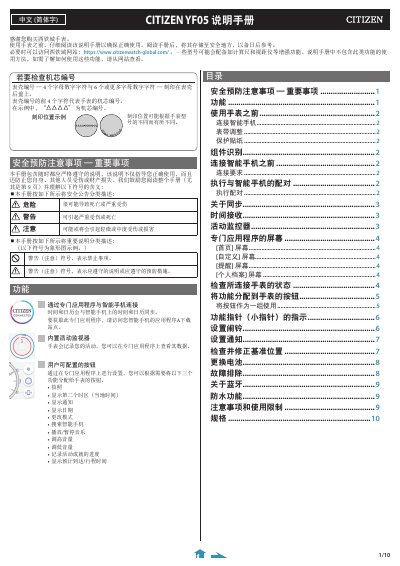
This Chinese-language manual for the Citizen YF05 watch explains how to use the watch together with a smartphone. It covers downloading the CITIZEN CONNECTED app, creating an account and pairing the watch over Bluetooth Low Energy; once connected, the watch receives time information from the phone and automatically adjusts its time and calendar.
The guide also describes the built-in activity monitor, whose data is transferred to the app and can be stored on the watch for about 40 days. It covers assigning functions to the watch buttons, setting alarms and notifications, checking and correcting hand base positions, replacing the battery, troubleshooting, Bluetooth notes, water resistance, precautions and specifications. The listed connection requirements are Android OS 5.0 or later and iOS 10.0 or later on an iPhone 5 or later. This manual is written in Chinese.
| Android compatibility | Android OS 5.0 or later |
|---|---|
| iPhone compatibility | iOS 10.0 or later (iPhone 5 or later) |
| Bluetooth | Bluetooth Smart / 4.2 Low Energy |
| Activity data storage | Up to about 40 days |
| Required app | CITIZEN CONNECTED |
After setting up the app and account, hold the right middle button B on the watch within the time limit to start pairing.
Each time the watch connects to the smartphone, it receives time information and automatically adjusts the time and calendar.
The watch can hold activity data for about 40 days.
The watch communicates using Bluetooth Smart / 4.2 Low Energy.