
This document is the user manual of DJI's drone, which mainly introduces the use of drones and precautions
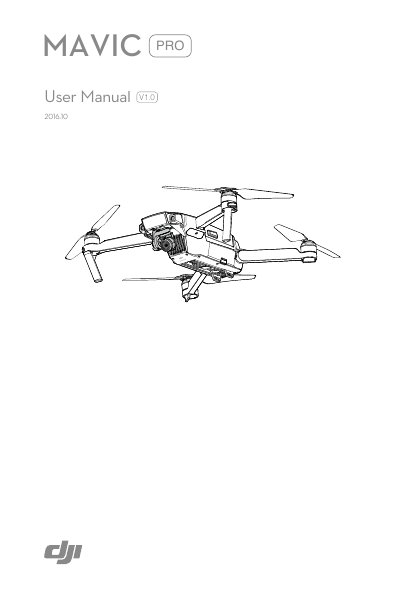
This is the user manual for the DJI Mavic Pro, described in the document as DJI's smallest flying camera, built around a folding design with a stabilized camera, Intelligent Flight Modes and obstacle avoidance. The manual opens with instructions on using the document, then presents a product profile with an aircraft diagram and a remote controller diagram.
The body of the manual covers the aircraft (flight modes, flight status indicator, Return-to-Home, TapFly, ActiveTrack, Gesture Mode, the Forward and Downward Vision System, flight recorder, propellers and the Intelligent Flight Battery), the remote controller, the camera and gimbal, and the DJI GO app. Later sections cover flight environment requirements, flight limits and no-fly zones, the preflight checklist, compass calibration, auto takeoff and landing, starting and stopping the motors and a flight test, followed by an appendix with specifications, firmware updates, remote controller LCD screen menu information, after-sales information and compliance information.
| Maximum flight speed | 40 mph (85 kph) |
|---|---|
| Maximum flight time | 27 minutes (tested in 0 wind at a consistent 15.5 mph / 25 kph) |
| Video recording | 4K video at up to 30 frames per second |
| Photo resolution | 12 megapixel |
| Maximum transmission range | 4.3 mi (7 km) |
| DJI GO app compatibility | Android 4.1.2 or later; iOS 8.0 or later |
| Design | Folding design with arms folded on delivery |
Up to 27 minutes. The manual notes this was tested in 0 wind at a consistent 15.5 mph (25 kph) and should be taken for reference only.
It has a maximum flight speed of 40 mph (85 kph).
The HD video downlink in the remote controller offers a maximum transmission range of 4.3 mi (7 km).
Download and install the DJI GO app before using the aircraft; the Android version requires Android 4.1.2 or later and the iOS version requires iOS 8.0 or later.