
This is a camera manual
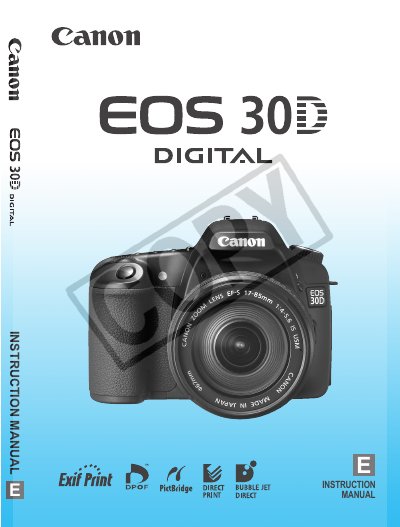
The Canon EOS 30D is described as a high-performance digital AF SLR camera with a large, fine-detail 8.20-megapixel CMOS sensor, nine high-precision AF points, and compatibility with all Canon EF lenses, including EF-S lenses. The manual presents features for shooting from fully automatic snapshooting to creative work.
The instruction manual covers item checks, handling precautions, quick start, nomenclature, menu operations, image settings, AF and drive modes, advanced operation, built-in flash use, playback, printing, and reference material.
| Image sensor | 8.20-megapixel CMOS sensor |
|---|---|
| Autofocus points | Nine high-precision AF points |
| Lens compatibility | All Canon EF lenses (including EF-S lenses) |
| File system compatibility | Design rule for Camera File System 2.0 |
| Included battery | Battery Pack BP-511A |
| Included battery charger | Battery Charger CG-580/CB-5L |
It has a large, fine-detail 8.20-megapixel CMOS sensor.
The camera is compatible with all Canon EF lenses, including EF-S lenses.
No. The manual states that no CF card is included and that it should be purchased separately.
The item check list lists Battery Pack BP-511A.