
This is a user manual for a network camera, which includes an overview of the product, revision history, pre-use preparation, package contents, symbols and statements, product physical description, installation, restoring default settings, network deployment, software installation and user instructions
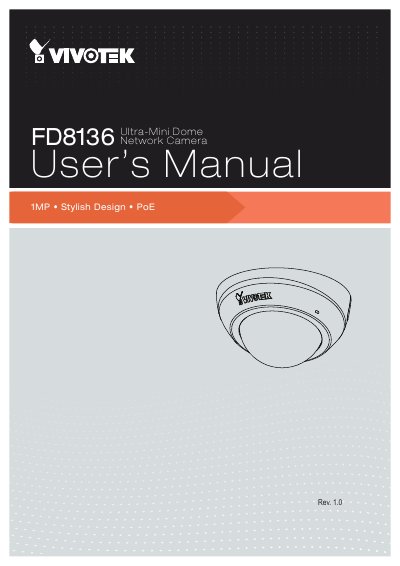
The VIVOTEK FD8136 User's Manual covers the Ultra-Mini Dome Network Camera and its 1MP, PoE design as shown on the cover. It walks through the overview, installation, restoring defaults, network deployment, software installation, and first use. Access chapters cover web browsers, RTSP players, 3GPP-compatible mobile devices, VIVOTEK Recording Software, the Main Page, and Client Settings.
Configuration topics include System general settings, homepage layout, logs, parameters, and maintenance; Media image, video, and audio; Network general settings, streaming protocols, and SNMP; Security user account, HTTPS, and access list; PTZ settings; Event settings; and Applications motion detection, digital input, and tampering detection.
| Resolution | 1MP |
|---|---|
| Power | PoE |
The manual covers the FD8136 Ultra-Mini Dome Network Camera.
The cover lists 1MP and PoE.
Yes, it includes a section on using RTSP players.
Yes, it has an Applications > Motion detection section.