
This file is the user manual of TW - VW product, which contains product usage instructions and function introductions.
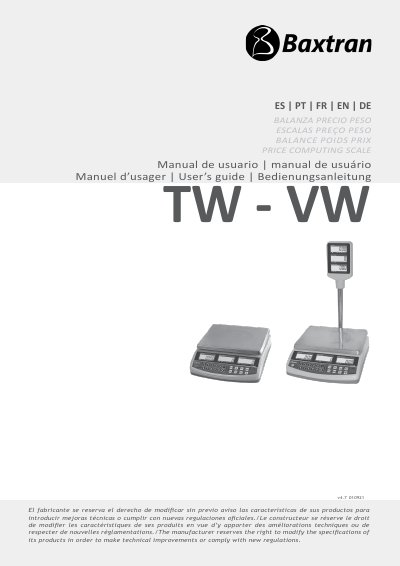
The TW-VW user manual explains the price computing scale's keyboard, general instructions, basic operation, and weighing functions. It covers zeroing the scale, tare, overload warning, changing units, free pricing weight, and account operation.
It also describes 10 unit price memory locations, backlight settings, automatic unit price clear, auto power off, audit viewing, parameters, POS protocols, calibration, errors, and warranty. The document contains Spanish, Portuguese, French, English, and German sections.
| Unit price memory | 10 programs |
|---|---|
| Weight unit selection | €/kg or €/100g |
| Backlight modes | On, Off, Auto |
| Auto power off settings | 0, 3, 5, or 10 minutes |
| Zero range | up to 2% of maximum capacity |
The scale can store 10 unit price programs.
Enter the unit price, hold the PLU key for 3 seconds, then press a number key from 0 to 9 to select the memory location.
The display shows -oL- and an alarm sounds; remove the object from the tray to avoid load cell damage.
Press the UNIT key to change the weight unit between €/kg and €/100g.