
Introduces the use of devices and use precautions.
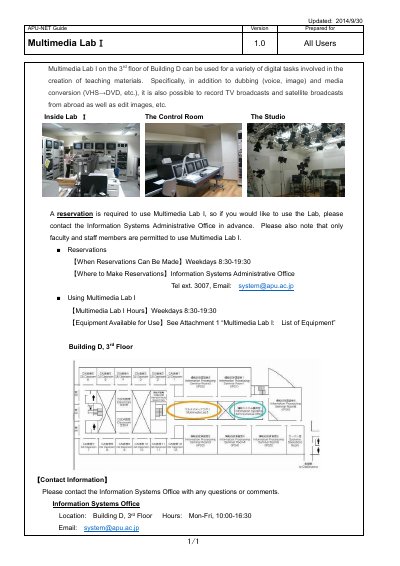
Multimedia Lab I is located on the 3rd floor of Building D and can be used for a variety of digital tasks involved in the creation of teaching materials, including dubbing (voice and image), media conversion (VHS to DVD, etc.), recording TV broadcasts and satellite broadcasts from abroad, and editing images. A reservation is required to use the Lab, and only faculty and staff members are permitted to use it.
Reservations and use are available weekdays 8:30-19:30 through the Information Systems Administrative Office (Tel ext. 3007, Email: [email protected]). Available equipment includes dubbing systems, a studio and control room, a media conversion system, broadcast recording systems, a foreign satellite broadcast receiver system, a non-linear editing system, and a large printer that prints up to A0-size paper.
Contact the Information Systems Administrative Office in advance; reservations can be made weekdays 8:30-19:30.
Only faculty and staff members are permitted to use Multimedia Lab I.
Weekdays 8:30-19:30.
The Large Printer is able to print up to A0-size paper.