
This document is a guide on how to use Zoom software for virtual court hearings
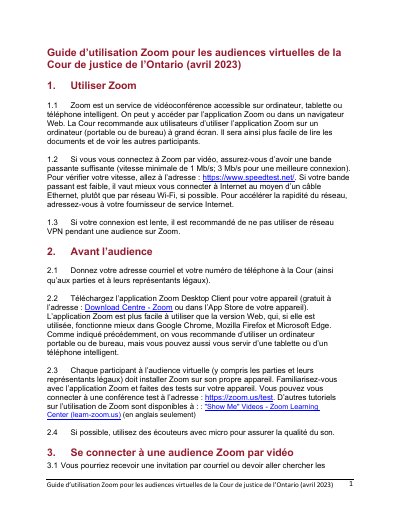
This guide from the Ontario Court of Justice explains, in French, how to take part in virtual hearings using Zoom. It covers connection requirements (a minimum speed of 1 Mb/s, 3 Mb/s for a better connection), installing the Zoom Desktop Client, and joining a hearing either through the link in the court's email or with the meeting number and passcode, at least 15 minutes before the scheduled time.
The guide then describes what to do during the hearing: muting and unmuting, testing the speaker and microphone, switching between speaker and gallery view, raising a hand, sharing a screen with the court's permission, and joining breakout rooms. It notes that recording, photographs and screenshots are not allowed without the judge's permission, and a final section explains joining by telephone, including the *6 and *9 key commands. This manual is written in French.
| Minimum connection speed | 1 Mb/s; 3 Mb/s for a better connection |
|---|---|
| Recommended time to join | At least 15 minutes before the hearing |
| Mute/unmute keyboard shortcut | Alt + A, or hold the spacebar for one second |
| Telephone unmute key | *6 |
| Telephone raise-hand key | *9 |
| Browsers for the web version | Google Chrome, Mozilla Firefox, Microsoft Edge |
Click the link in the court's email or on the court website, or open the Zoom app, click Join and enter the meeting number and passcode.
A minimum of 1 Mb/s is required, and 3 Mb/s gives a better connection.
Press *9 on your phone to signal that you want to speak.
No, participants must not record, photograph or capture the screen without the judge's permission.