
Kyocera ECOSYS M6230cidn/M6235cidn/M6630cidn/M6635cidn Operation Guide

This is a product user manual that introduces the features and operating methods of the equipment.
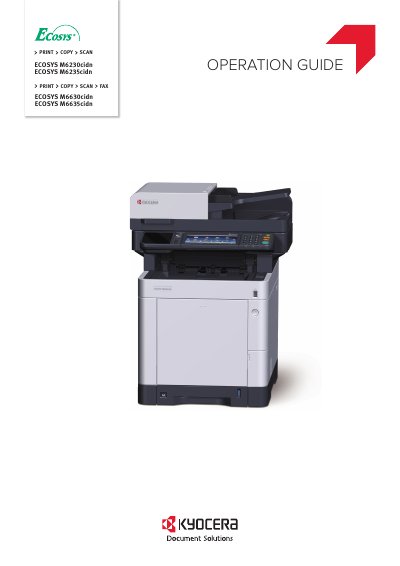

Kyocera ECOSYS M6230cidn/M6235cidn/M6630cidn/M6635cidn Operation Guide - cover page
Brand
Kyocera
Category
All-in-one printer
Document type
User Manual
Language
English
Pages
475
File format
PDF
File size
16.4 MB
Published
02 November, 2023
Updated
02 November, 2023
MD5 checksum
EE60880E101E8CB64AD0FFE759406D1B

About this manual

This Operation Guide is for Kyocera ECOSYS M6230cidn, M6235cidn, M6630cidn and M6635cidn multifunction printers. The M6630cidn and M6635cidn models also support fax, while all models support print, copy and scan.

The guide covers legal and safety information, installation and setup, paper loading, printing from a PC, copying and sending, document boxes, available functions, status and job cancellation, system menu settings, user authentication and accounting, troubleshooting and appendix information.

What's inside

  • Machine Features
  • Color and Image Quality Functions
  • Guides Provided with the Machine
  • Legal and Safety Information
  • Installing and Setting up the Machine
  • Preparation before Use
  • Printing from PC
  • Operation on the Machine
  • Using Various Functions
  • Troubleshooting

Frequently asked questions

What is this Operation Guide intended to help with?

It is intended to help operate the machine correctly, perform routine maintenance and take simple troubleshooting measures.

Which toner containers are recommended?

Genuine Kyocera toner containers are recommended to maintain quality.

What may happen if non-genuine toner containers are used?

The use of non-genuine toner containers may cause failure.

Where is the equipment serial number printed?

The equipment's serial number is printed in the location shown in the figure.

Download PDF (16.4 MB)

More Kyocera Manuals


View all Kyocera manuals →