
ELITE S Alarm Controller Operating Guide

This document is the operating guide of ELITE S alarm controller, which introduces how to operate the device, including operation mode, special control button functions, remote command control operation, programming, user functions, etc.
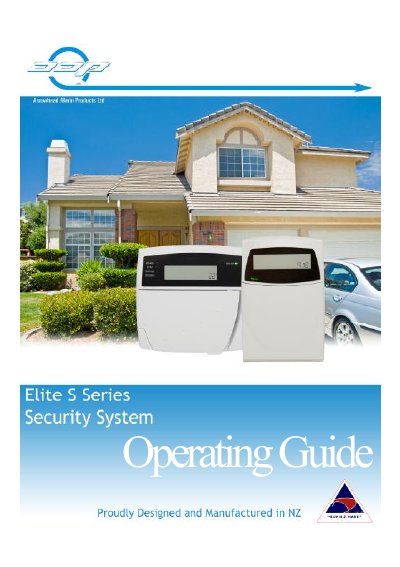

ELITE S Alarm Controller Operating Guide - cover page
Brand
Elite
Category
Anti-Theft Devices
Document type
User Manual
Language
English
Pages
32
File format
PDF
File size
495 KB
Published
02 November, 2023
Updated
02 November, 2023
MD5 checksum
E75A3B075389A39BCD2514445313E5D4

About this manual

The ELITE S Alarm Controller operating guide explains daily operation of the alarm panel, including arming with the button or a code, disarming, Stay mode, bypassing zones, and manual panic, medical and fire alarms. It also covers LCD keypad quickview and special control button functions.

The guide then covers remote command control, programming user codes and telephone numbers, programming radio and access tag users, starting walk-test mode, answering an incoming call, forcing a test call, and viewing current alarms and historical events in memory display mode.

What's inside

  • General Information
  • Arming the Alarm
  • Disarming the Alarm
  • Bypassing Zones
  • Remote Command Control Operation
  • Programming Your Alarm
  • User Functions
  • Memory Display Mode
  • Programming Summary Guide

Frequently asked questions

How do I arm the ELITE S alarm?

Press the button, or enter your code and press ; the Area A, Area B, or both armed LEDs turn on.

How do I disarm the ELITE S alarm?

Enter your code and press ; the armed LEDs turn off, and only areas assigned to the user code and keypad disarm.

How do I bypass a zone?

Press , enter the zone number, then press ; the Bypass LED turns on and then flashes.

What does Stay mode do?

Stay mode allows you to arm a pre-selected part of the building, such as part of a house that will not be used at night or an unattended shop front.

Download PDF (495 KB)

More Elite Manuals


View all Elite manuals →