
This file is Elite PCTS Tester Operating Instructions. It introduces how to replace the batteries.
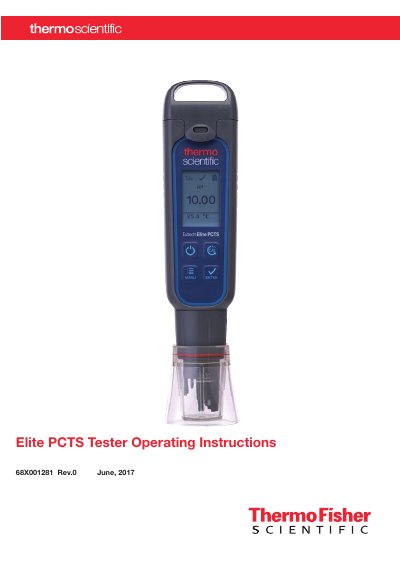
This manual provides step-by-step instructions for operating the Elite PCTS Tester, including battery replacement, calibration procedures for pH, conductivity, TDS, and salinity, and measurement settings. It also covers temperature calibration, backlight settings, and user reset functions. The tester is designed for accurate measurements and includes factory calibration for reliable performance.
The manual includes diagrams for battery plate insertion and removal, instructions for calibration using USA or NIST buffer standards, and guidance for manual calibration when automatic calibration is not applicable. Safety precautions are noted, such as avoiding dry samples to prevent sensor damage.
| Battery Type | Four AAA 1.5 V batteries |
|---|---|
| pH Calibration Standards | USA (pH 4.01, pH 7.00, pH 10.01) or NIST (pH 4.01, pH 6.86, pH 9.18) |
| Temperature Calibration | Set °C/°F, Temp Cal, Temp Coeff |
| Automatic Conductivity Calibration | 84 µS/cm, 1413 µS/cm, 12.88 mS/cm |
Remove the battery cover by clearing the front and back catches, then slide the cover off. Push the center tab to unlock the battery plate, remove it, and replace the batteries with positive terminals facing downward.
The tester supports USA standards (pH 4.01, pH 7.00, pH 10.01) or NIST standards (pH 4.01, pH 6.86, pH 9.18).
Enter setup mode, select Temp Set, toggle between °C and °F, and confirm the selected unit.
The automatic calibration values are 84 µS/cm, 1413 µS/cm, and 12.88 mS/cm.