
This instruction manual explains how to replace the batteries in the Elite CTS tester
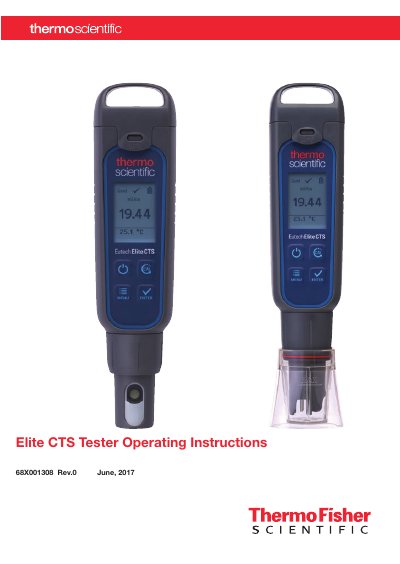
This manual provides step-by-step instructions for operating the Elite CTS Tester, including battery replacement, calibration procedures, and measurement settings. It also covers sensor maintenance and applications such as agriculture, water treatment, and aquaculture. The device uses AAA batteries and features automatic and manual calibration for conductivity, TDS, and salinity measurements.
Remove the battery cover, push the center tab to unlock the battery plate, invert the tester to remove the batteries, and replace them with four AAA 1.5 V batteries oriented with positive terminals facing downward.
The automatic calibration standards are 84 µS/cm, 1413 µS/cm, and 12.88 mS/cm.