
Elite A5 Mobile Phone User Manual

User manual for the Elite A5 mobile phone covering setup, safety, navigation, calls, and connectivity features.
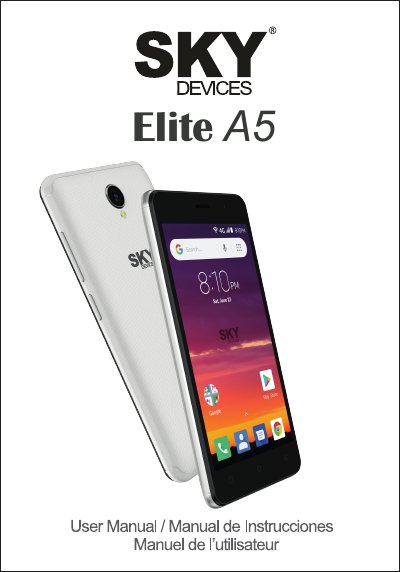

Elite A5 Mobile Phone User Manual - cover page
Brand
Elite
Category
Mobilephone Accessories
Document type
User Manual
Language
English
Pages
38
File format
PDF
File size
9.7 MB
Published
31 October, 2026
Updated
31 October, 2026
MD5 checksum
190E3D7634A0305A712E89CC59ADF352

About this manual

This document serves as the user manual for the Elite A5 mobile phone. It provides general information regarding safety warnings, such as road safety and usage in aircraft, along with precautions for maintaining the device's condition. The guide details the physical layout of the phone, including the functions of the power and volume keys, as well as the onscreen icons for navigation.

What's inside

  • General Information
  • Safety Warning and Attentions
  • Phone Overview
  • Functions of Keys
  • Functions of Icons
  • Getting Started
  • Installing SIM Card and Battery
  • Charging the Battery
  • Using the Touch Screen
  • Dialing Calls

Frequently asked questions

How far can the phone connect to a Wi-Fi network?

The phone can connect to Wi-Fi networks at distances of up to 100 meters.

What is the maximum range for Bluetooth devices?

Bluetooth devices can exchange information over a distance of about 8 meters.

What should you do if you need to make an emergency call while driving?

You must use hands-free fittings and not end the call until told to do so.

Download PDF (9.7 MB)

More Elite Manuals


View all Elite manuals →