
This document introduces the use of eLAN-RF-Wi-003.
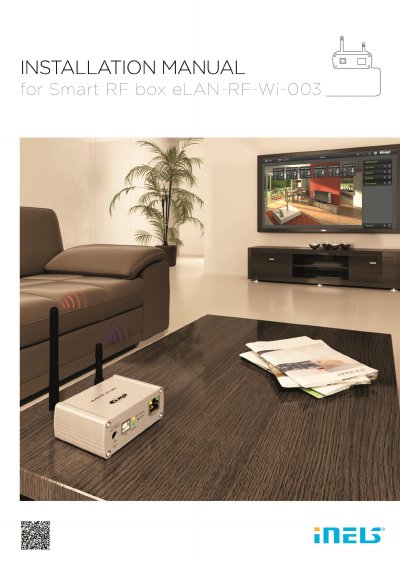
This guide explains how to install and operate the eLAN RF-Wi-003 smart RF control unit. It covers installing the companion app, logging into the web interface, configuring network settings, updating firmware, and managing RF actuators and scenes. The device connects via LAN cable to a router and supports control via smartphone, tablet, or smart TV. It can manage up to 40 RF units and supports bidirectional communication for status visualization.
The guide also details settings for rooms, scenes, and RF modes, including repeater functionality for extending signal range. Safety precautions and handling instructions are included, emphasizing proper installation and handling to ensure safe operation.
| Max Number of Actuators | 40 |
|---|---|
| Max Number of Temperature Zones | 16 |
| Max Number of Time Schedules | 16 |
| Max Number of Central Sources | 10 |
| Max Number of Heating/Cooling Devices per Zone | 10 |
| Max Number of Intervals per Time Schedule | 8 |
| Power Supply | 10-27V DC (adapter) or PoE 24V DC |
| Communication Frequency | iNELS RF Control |
| Default IP Address | 192.168.1.1 |
| Default Login Credentials | Login: admin, Password: elkoep |
Connect to the WiFi network named 'ELAN-RF-WI' with password '00000000', then enter the IP address (default: 192.168.1.1) into your browser.
The device can control up to 40 RF actuators.
The default login is 'admin' with password 'elkoep'.