
This is a user manual for Buffalo MiniStation HD-PGF portable hard drive
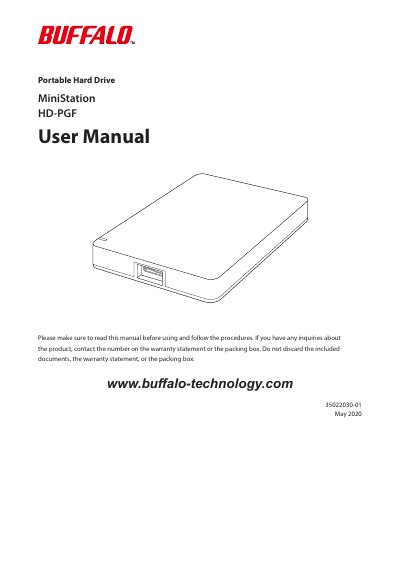
This is the user manual for the Buffalo MiniStation HD-PGF, a portable hard drive that connects to a computer over USB. It describes the drive's power/info LED and USB connector, lists the technical specifications, and gives notes on safe handling, such as avoiding unplugging the drive while data is being accessed.
The manual also explains how to dismount the drive correctly on Windows and macOS before unplugging it, and provides troubleshooting steps for problems such as the drive not appearing on the computer, read/write errors, and amber LED warnings that drive failure may soon occur.
| Interface | USB 3.2 (Gen 1)/3.1 (Gen 1)/3.0/2.0 |
|---|---|
| Connector | Micro-B |
| Dimensions (W × H × D) | 4 TB and more: 79.5 × 21.5 × 119 mm; 2 TB: 79.5 × 16 × 119 mm; 1 TB: 79.5 × 13.5 × 119 mm |
| Power | 5 V ± 5% |
| Compatible OS | Windows 10/8.1/7 (32-bit, 64-bit), macOS 10.12 or later |
Drive failure may soon occur. Buffalo recommends backing up the data on the drive to another device to avoid losing it.
Click the icon in the system tray, click the device name, and wait for the message that you can safely remove the drive before unplugging it.
Unplug the USB cable and plug it back in after a few seconds, try another USB connector, verify the power/info LED is on, and connect the drive directly to the computer if you are using a USB hub.
Yes, but it must first be reformatted with Mac OS Extended using Disk Utility on the macOS device.