
This document is a mobile OTA upgrade operation manual
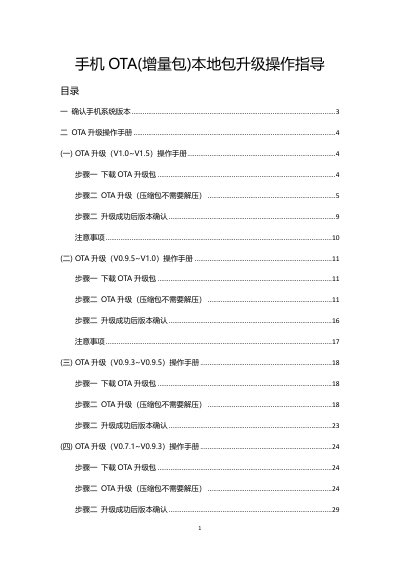
This OPPO phone OTA upgrade guide explains how to install an incremental OTA package locally and check the system version after upgrading. It covers local upgrade procedures for several version ranges, including V1.0 to V1.5, V0.9.5 to V1.0, V0.9.3 to V0.9.5, V0.7.1 to V0.9.3, V0.6.5 to V0.7.1, and V0.5.4 to V0.6.5.
The guide starts with checking the current phone system version using the dial code *#6776# and matching it to the appropriate OTA procedure. It then describes downloading the OTA package, importing the zip without unzipping, running adb reboot recovery, installing from phone storage, rebooting, and confirming the system and OppoXR versions; precautions cover version confirmation, OppoXR installation, and SDK matching. This manual is written in Chinese.
| System version check code | *#6776# |
|---|---|
| Latest OTA version | PDEM10_11.D.01_001_202206292020 |
| Target OppoXR version for V1.5 upgrade | OPPO_XR_202206291619 |
| OTA package format | zip |
| Recovery mode entry command | adb reboot recovery |
Dial *#6776# and scroll to the bottom to view OTA Version.
No. Import the zip package directly to the phone without unzipping it.
Connect the phone to a computer and run adb reboot recovery.
Open Settings > App management > App list > OppoXR > App info and view the version number.