
This document provides instructions on how to use the OPPO Find N2 Flip Smartphone. It includes information on the phone's features and functions, as well as how to reboot the phone and transfer content from an old phone.
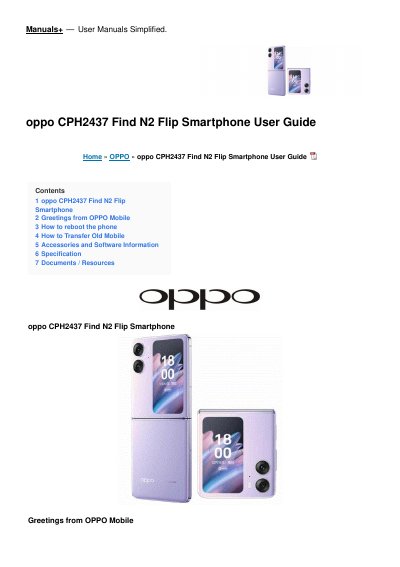
This guide explains how to reboot the phone by pressing the Power and Volume Up buttons together. It also details using OPPO Clone Phone to transfer data from an old phone. The included accessories are a phone, charger, USB cable, SIM ejector tool, safety guide, quick guide, and protective case. The software version is ColorOS 13.0.
The manual covers device components, regulatory information, and SAR values. It notes regional and software variations may affect content. Copyright is held by Guangdong OPPO Mobile Telecommunications Corp., Ltd. 2023.
| Software Version | ColorOS 13.0 |
|---|---|
| Accessories | 1 Phone, 1 Charger, 1 USB data cable, 1 SIM Ejector Tool, 1 Safety Guide, 1 Quick Guide, 1 Protective Case |
Press and hold the Power Button and Volume Up Button until the OPPO boot animation is displayed.
Use OPPO Clone Phone; install it from Google Play if your old phone is non-OPPO Android, or use iCloud if it’s an iPhone, then follow on-screen instructions.