
Magellan RoadMate 6615-LM GPS Navigator & Dash Cam Combo User Manual

This is a user manual for Magellan RoadMate 6615-LM GPS Navigator
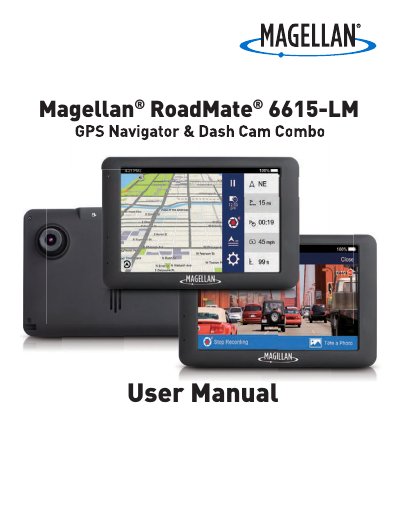

Magellan RoadMate 6615-LM GPS Navigator & Dash Cam Combo User Manual - cover page
Brand
Magellan
Category
GPS
Document type
User Manual
Language
English
Pages
25
File format
PDF
File size
1.3 MB
Published
01 November, 2023
Updated
01 November, 2023
MD5 checksum
DB47EA8CDDDEFA340E33F71A3B903148

About this manual

The Magellan RoadMate 6615-LM is a GPS receiver with Digital Video Recorder (DVR) functionality designed to assist with navigation and recording videos or photos. The device features a camera lens, a microSD slot for storage, and various buttons for power, audio, and diagnostics. It is intended for use as a dashboard camera and recording device.

What's inside

  • Getting To Know Your RoadMate
  • Setting Up Your RoadMate
  • Mounting Your RoadMate In A Vehicle
  • Connecting To Wi-Fi
  • Powering Your RoadMate
  • Inserting An SD Card
  • Registering Your Device
  • Update Your Maps and Software
  • Set Up LDWS and FCWS
  • Using MiVue Manager

Specifications

Maximum SD Card Capacity64GB
Maximum Operating Temperature140°F (60°C)

Frequently asked questions

Can I register my device later?

Yes, you can choose to register later by tapping Information and then Product Registration, though you cannot download updates until registered.

What happens if I do not insert an SD card?

The device will not be able to save any photos or videos until an SD card is inserted.

Download PDF (1.3 MB)

More Magellan Manuals


View all Magellan manuals →