
This is the Motorola Moto G user manual
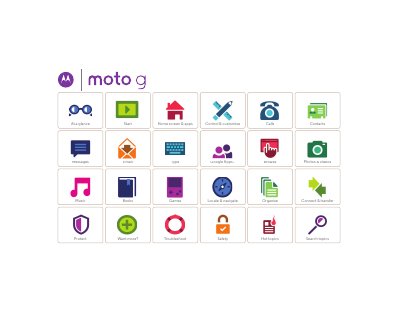
Motorola Moto G phone user manual. It walks through the first look at the phone, removing the back cover, inserting SIM and optional microSD cards, powering on, battery-saving tips, signing in with a Google account, and copying personal data from an old phone.
The guide also covers the home screen and apps, including searching, widgets, pages, and app removal. It notes IPX7 water resistance and directs users to Motorola’s safety, regulatory, and legal information page before use.
| Water resistance | IPX7 water resistant, not waterproof |
|---|---|
| Maximum water exposure depth | No more than three feet |
| Maximum water exposure time | 30 minutes |
| SIM card slot | Micro SIM |
| Memory card slot | microSD |
| SAR use distance | 1.5 cm from the body |
Put your finger in the bottom corner hole in the cover and pry it off.
No. The phone is IPX7 water resistant, not waterproof.
Press and hold Power until the screen lights up.
Use Motorola Migrate; on your new phone, tap Apps > Migrate.