
This is a manual for measuring temperature, including usage methods and function introductions.
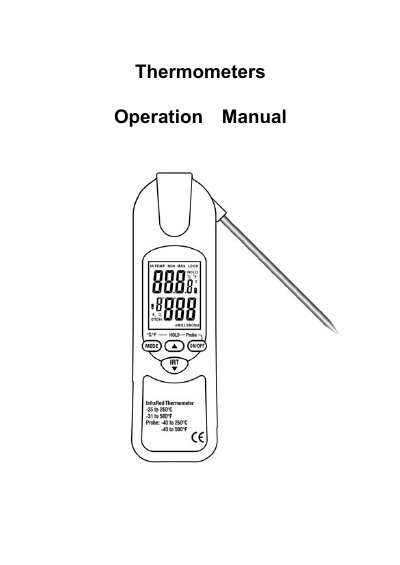
This manual explains how to use Philips' non-contact infrared and contact probe thermometers. It covers features such as adjustable emissivity, MAX/MIN/LOCK modes, and temperature units (°C/°F). The device is designed for applications like food prep, HVAC, and industrial maintenance.
Instructions include operating the IR sensor, using the probe, adjusting settings, and interpreting indicator symbols. The thermometer automatically powers off to conserve battery and includes a table of emissivity values for different materials.
| IR Temperature Range | -35°C to +260°C / -31°F to 500°F |
|---|---|
| IR Response Time | less than 500 ms |
| Infrared Accuracy | ±2% of reading ±2°C / (±4°F) |
| Optical Resolution | 1:1 |
| Emissivity Range | 0.10 to 1.00 |
| Probe Temperature Range | -40°C to 260°C / -40°F to 500°F |
| Resolution | 0.1°C / 0.1°F |
| Weight | 83g |
| Size | 140×42×25mm |
Emissivity can be digitally adjusted from 0.10 to 1.00.
Most organic materials and painted or oxidized surfaces have an emissivity of 0.95.