
This guide describes how to use the EVOS™ M7000 Imaging System (Cat. No. AMF7000), including how to capture images, how to use the software, and how to maintain the system.
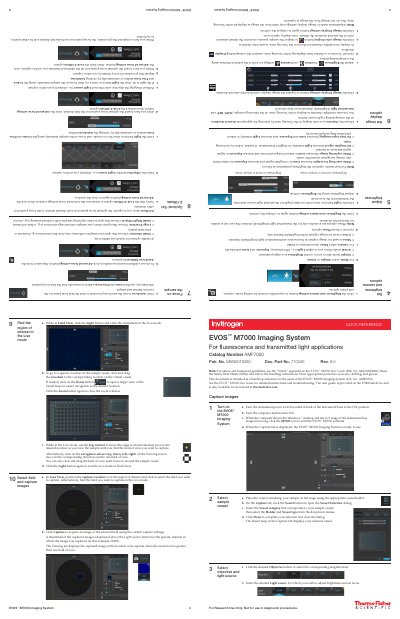
This quick reference is a benchtop guide for the Thermo Fisher EVOS M7000 Imaging System (Cat. No. AMF7000), intended for fluorescence and transmitted light applications. It describes the basic operating sequence from turning on the instrument and starting the software to selecting a vessel, objective, light source, brightness and camera settings, focusing, adjusting image display, and capturing images.
The document notes that it is a reference and directs users to the EVOS M7000 User Guide for detailed instructions and troubleshooting; that guide is supplied on a USB flash drive and available at thermofisher.com. It also includes notes on mono versus color camera selection, phase options, and optional Z-offset setup.
| Catalog Number | AMF7000 |
|---|---|
| Applications | Fluorescence and transmitted light |
| Camera options | Mono (monochrome) or Color |
The document states it is for fluorescence and transmitted light applications.
Turn the instrument power switch on the back of the instrument base to ON, then turn on the computer and monitor and start the M7000 software.
Detailed instructions are in the EVOS M7000 User Guide, provided on the USB flash drive and available at thermofisher.com.
Use Mono, which is used for image capture in fluorescence and transmitted light (brightfield) channels.