
Operation instructions for Thermo Fisher 150 & 450 Series waterproof handheld pH/mV meter, covering calibration, settings, and maintenance.
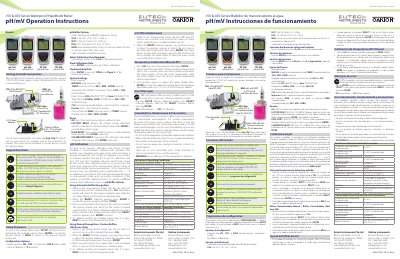
This manual provides step‑by‑step instructions for using the Thermo Fisher 150 & 450 Series waterproof handheld meter. It explains how to perform mV offset adjustments, temperature (ATC) calibration, pH buffer selection, and how to navigate the keypad functions.
The document also details system settings such as data logging, automatic shut‑off, clock configuration, and printer options, as well as safety precautions, routine maintenance, and specifications for operating and storage conditions.
| Operating Ambient Temperature | 5 to 45 °C |
|---|---|
| Operating Relative Humidity | 5 to 85 % non‑condensing |
| Storage Temperature | -20 to +60 °C |
| Weight | 500 g |
| Size (L × W × H) | 21.15 × 9.87 × 5.85 cm |
| Enclosure IP Rating | IP67 |
| Power Input | 9 VDC 1 A |
| Battery Requirement | 2 × AA (LR6) 1.5 V |
Enter mV measurement mode, dip the sensors in a solution with a known mV value, press ENTER when the READY indicator appears, and use the up/down arrows to set the reading; the meter allows an adjustable maximum of ±200 mV and stores the offset as R.mV.
The temperature calibration can be adjusted up to ±10 °C (or ±18 °F) from the factory default.
Select FACTORY RESET in the reset menu; this returns all settings except date/time and ATC calibration to factory defaults and restarts the meter.
This manual explains 2 error codes. Open a code for its meaning, causes and what to do: