
MikroTik RouterOS LTE Interface Manual

Introduce how to configure the LTE network adapter of mikrotik
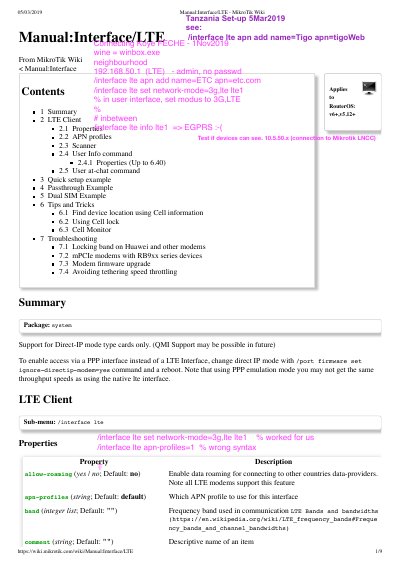

MikroTik RouterOS LTE Interface Manual - cover page
Brand
Mikrotik
Category
Other software
Document type
User Manual
Language
English
Pages
9
File format
PDF
File size
1.9 MB
Published
31 October, 2023
Updated
31 October, 2023
MD5 checksum
711935EB16C1CB7AB8C147E7BFBA13C2

About this manual

This MikroTik Wiki manual covers the RouterOS LTE interface for RouterOS v6+ and v5.12+. It documents properties, APN profiles, scanning, user info and at-chat commands, quick setup, passthrough, dual SIM, tips, and troubleshooting.

Examples include configuring APN profiles, DHCP client and NAT, LTE passthrough to a host interface, cell locking, and modem firmware upgrade notes.

What's inside

  • Summary
  • LTE Client
  • Properties
  • APN profiles
  • Scanner
  • User Info command
  • User at-chat command
  • Quick setup example
  • Passthrough Example
  • Dual SIM Example

Specifications

Default MTU1500
Default network mode3g, gsm, lte
Default allow-roamingno
Default disabledyes
Default use-peer-dnsyes
Default authenticationnone

Frequently asked questions

How do I enable data roaming on the LTE interface?

Set allow-roaming to yes.

What is the default MTU for the LTE interface?

1500.

How can I send an AT command to the modem?

Use /interface lte at-chat with the input parameter.

Does passthrough work for more than one host?

No, passthrough will only work for one host.

Download PDF (1.9 MB)

More Mikrotik Manuals


View all Mikrotik manuals →