
This document describes how to establish a simple wireless network using MikroTik RouterOS. MikroTik RouterOS is fully compliant with IEEE802.11a/b/g/n standards and can be used as wireless access point and wireless station.
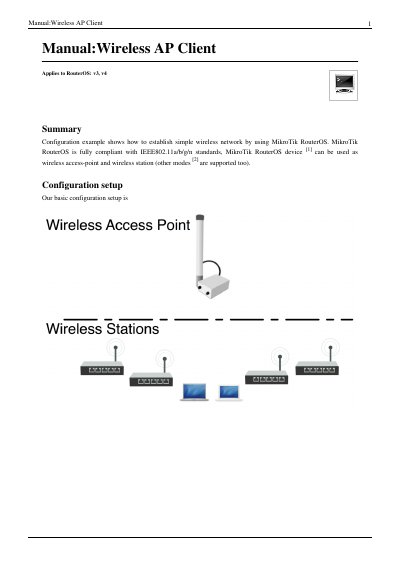
This MikroTik manual is a configuration example for establishing a simple wireless network with RouterOS. It applies to RouterOS v3 and v4 and describes using one device as a wireless access point and another as a wireless station, noting that RouterOS is compliant with IEEE802.11a/b/g/n standards.
The steps cover connecting to each router with Winbox, setting the required Wireless interface options for the access point and for the station, and adding IP addresses on the same subnet so the two can communicate. It also shows checking IP communication with a ping and lists additional settings such as security profiles, scan-list use in superchannel mode, client limits in ap-bridge mode and the RouterOS license level required for ap-bridge.
| Wireless standards | IEEE802.11a/b/g/n |
|---|---|
| Applies to RouterOS versions | v3, v4 |
| Minimum license for ap-bridge mode | RouterOS license level 4 |
| Clients allowed in ap-bridge mode | 2007 clients, limited with max-station-count |
Set the Wireless interface to mode=ap-bridge with the operated band, frequency and the network SSID. Adding an IP address and optional security settings completes the setup.
The station uses mode=station with the band the access point operates on and the access point's SSID.
Add addresses on both routers in the same subnet, for example 192.168.0.2/24 and 192.168.0.1/24, then ping from the station.
The station adapts to the access point frequency despite the frequency configuration, and uses scan-list to select available access points; a custom access point frequency should be set in scan-list.