
User manual for MikroTik CRS326-24S+2Q+RM network switch with installation, powering, and configuration instructions.
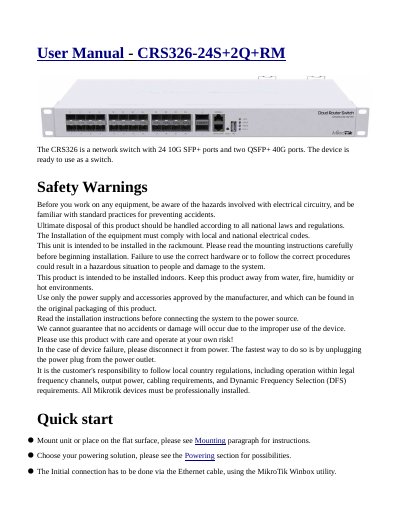
This user manual covers the installation, powering, and configuration of the MikroTik CRS326-24S+2Q+RM network switch. It includes safety warnings, mounting instructions, power requirements, boot options, and port details. The device features 24 10G SFP+ ports and two 40G QSFP+ ports, with support for dual booting RouterOS or SwOS. Configuration can be done via Ethernet using Winbox or through a serial console.
| Ports | 24 10G SFP+ ports and two 40G QSFP+ ports |
|---|---|
| Power Input | 100 – 240 V AC |
| Power Consumption | Up to 42 W under maximum load |
| Operating Systems | RouterOS v6 and SwOS v2.9 |
| IP Rating | IPX0 |
Use Winbox to connect to the default IP address of 192.168.88.1 from any port, with the username admin and no password.
By default, the device will boot RouterOS, but you can reboot into SwOS via the System menu.
Download the latest RouterOS software from https://mikrotik.com/download, upload it via Winbox, and reboot the device.