
This manual covers installation, mounting, powering, configuration, and specifications for the MikroTik CRS309-1G-8S+IN network switch.
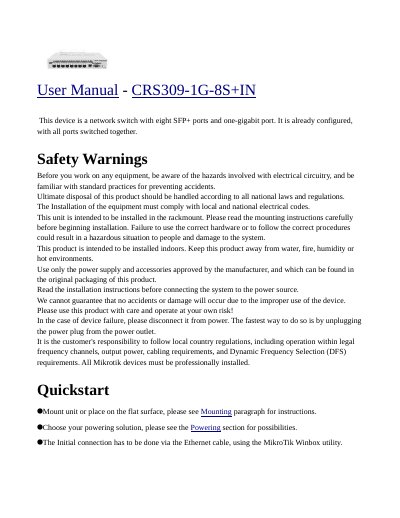
The MikroTik CRS309-1G-8S+IN is a network switch featuring eight SFP+ ports and one gigabit port. It is designed for indoor rackmount installation and supports dual-booting between RouterOS and SwOS. The device can be powered via a DC jack or PoE (802.3af/at) and supports fail-over power modes.
| Ports | eight SFP+ ports and one-gigabit port |
|---|---|
| Power Input | 11-57 V DC |
| PoE Support | 802.3af/at |
| Max Power Consumption | 17 W |
| IP Rating | IPX0 |
| Operating Systems | RouterOS v6 and SwOS 2.9 |
The default IP address is 192.168.88.1.
Yes, the Ethernet port 1 accepts 802.3af/at and passive PoE power input.
Hold the reset button during boot time until the user LED light starts flashing, then release it.