
This is the QNAP Turbo NAS Software User Manual, covering hardware installation, software installation and system settings for 1-Bay, 2-Bay and 4-Bay NAS
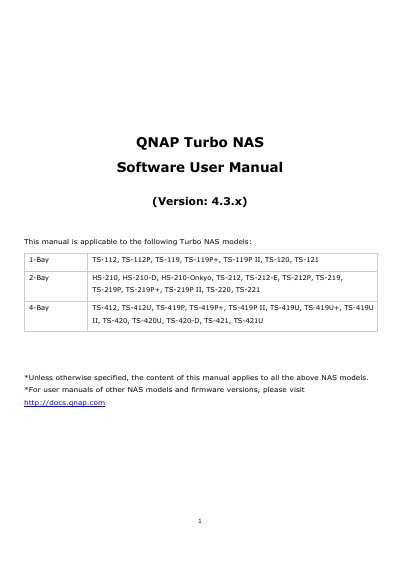
This manual provides detailed instructions for using QNAP Turbo NAS devices running QTS firmware version 4.3.x. It applies to a wide range of 1-bay, 2-bay, and 4-bay NAS models and describes both hardware setup and software features.
The document covers topics from initial hardware installation and disk compatibility to advanced system settings, storage management, network services, applications, backup solutions, and multimedia servers. It also includes guidance on using the QTS desktop, managing users and privileges, and accessing NAS via web browser or mobile apps.
| Firmware version | 4.3.x |
|---|---|
| Supported NAS models | 1-Bay: TS-112, TS-112P, TS-119, TS-119P+, TS-119P II, TS-120, TS-121; 2-Bay: HS-210, HS-210-D, HS-210-Onkyo, TS-212, TS-212-E, TS-212P, TS-219, TS-219P, TS-219P+, TS-219P II, TS-220, TS-221; 4-Bay: TS-412, TS-412U, TS-419P, TS-419P+, TS-419P II, TS-419U, TS-419U+, TS-419U II, TS-420, TS-420U, TS-420-D, TS-421, TS-421U |
This manual covers QNAP Turbo NAS software version 4.3.x.
The manual applies to 1-Bay, 2-Bay, and 4-Bay Turbo NAS models including TS-112, TS-212, TS-412, and many others listed in the document.
Visit http://docs.qnap.com for user manuals of other NAS models and firmware versions.