
This document is the Bosch INDEX IndustrieClusrUstung User Manual, which introduces how to use the device
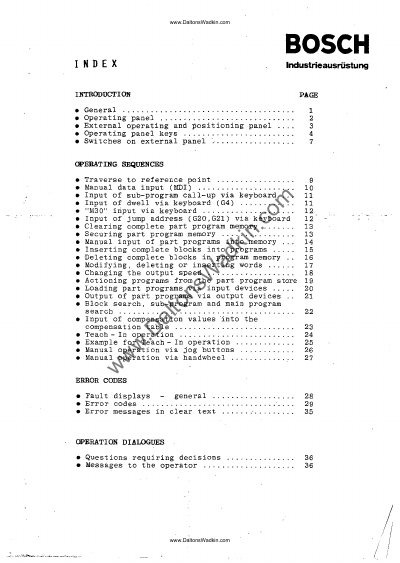
This manual describes how to operate the Bosch CNC ALPHA control, which was designed for direct programming at the machine and can be built directly into the machine tool or machine panel. It explains the operating panel and display, the keys and their two functions (selected with the MODE key), and the optional external operating and positioning panel with axis selector, handwheel, jog buttons and feedrate override switch.
The operating sequences section covers traversing to the reference point, manual data input, keyboard input of sub-program calls, dwell, M30 and jump addresses, clearing and securing the part program memory, entering, inserting, deleting and modifying blocks, loading and outputting part programs, block search, compensation values, teach-in operation and manual operation by jog buttons or handwheel. The final sections list fault displays, error codes and clear-text error messages, plus the operation dialogues and messages shown to the operator.
It is designed for direct programming at the machine, and its housing dimensions allow the control to be built directly into the machine tool or the machine panel.
Most keys have two functions, and the function is chosen with the MODE key, which must be pressed first and held while the key for the particular mode is pressed.
The Clear key clears incorrect inputs in all modes of operation.
It indicates a fault with the part program memory, for example a battery fault.