
DataMan 475 Verifier Quick Reference Guide introduces safety precautions, product overview, accessories, size, installation and connecting the verifier etc.
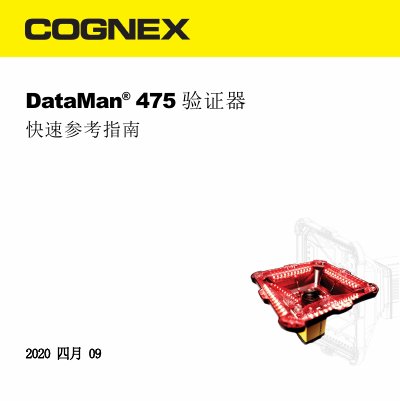
This quick reference guide for the Cognex DataMan 475 Verifier describes precautions, product overview, and installation. It lists the lens, label light mounting, mounting holes, indicator ring, Ethernet connection, external lighting connection, and breakout cable connection, along with accessories such as power and I/O breakout cables, Ethernet cables, connection modules, mounting brackets, and heatsinks.
The guide instructs the user to install the verifier with the light housing bottom 60 mm from the code plane, connect the Ethernet cable to a computer or network switch, and connect the breakout cable to a 24V power supply. It also provides specifications, discrete I/O limits, imager specifications, supported symbologies, and safety and regulatory information. This manual is written in Chinese.
| Weight | 945g |
|---|---|
| Field of view | 80x60mm |
| Dimensions | 185x185x175mm |
| Power consumption | 24VDC ±10%, 1.5A maximum, peak 36W with label light |
| Operating temperature | 0°C to 40°C (32°F to 104°F) |
| Storage temperature | -20°C to 80°C (-4°F to 176°F) |
| Image sensor | 2/3-inch CMOS, global shutter |
| Image resolution | 2448x2048 pixels |
| Ethernet speed | 10/100/1000 |
The verifier must be powered by a UL or NRTL certified power supply with a 24VDC output rated at least 2A, with maximum short-circuit current less than 8A and maximum rated power less than 100 VA.
Install the verifier so the bottom of the light housing is 60 mm from the code plane, measuring each corner at 60 mm (+/-3 mm).
Supported 1D codes are Codabar, Code39, Code128, Code93, Interleaved 2 of 5, and UPC/EAN/JAN, and supported 2D codes are DataMatrix (ECC200), QR Code, and microQR Code.
The IP65 rating applies when the verifier is installed with the cable and lens cover.