
A quick reference guide for installing, calibrating, and operating the Cognex DataMan 100 Verifier barcode reader.
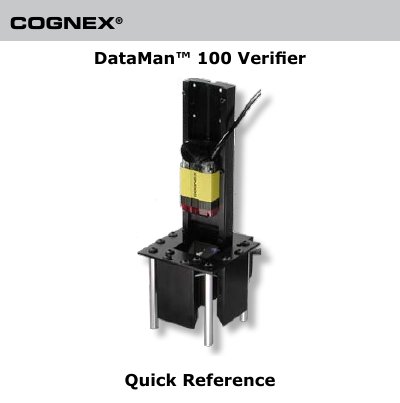
This document serves as a quick reference for the Cognex DataMan 100 Verifier. It covers essential operational procedures including hardware installation, software setup, lens focusing, calibration routines, and code quality verification. The guide also details how to format output data and save configurations.
| Operating System Requirements | Microsoft Windows XP or Windows Vista |
|---|---|
| CPU Requirement | Pentium CPU 500 MHz or faster |
| .NET Framework Requirement | .NET 1.1 SP1 |
| Cable Length Limit | 5 meters |
| Cover Screw Torque | 9 N-cm (0.79 pound-inch) |
Yes, you must calibrate the DataMan 100 regardless of which kit you use.
Yes, choose File->Save Configuration to save it to a directory on the PC.
Installing the SHD kit causes the factory lens calibration to be lost.