
This is a user manual for philips TAR8805. It introduces the features of the product, including listening to Internet radio, podcasts, spotify, DAB radio, FM radio, setting alarms and sleep timers.
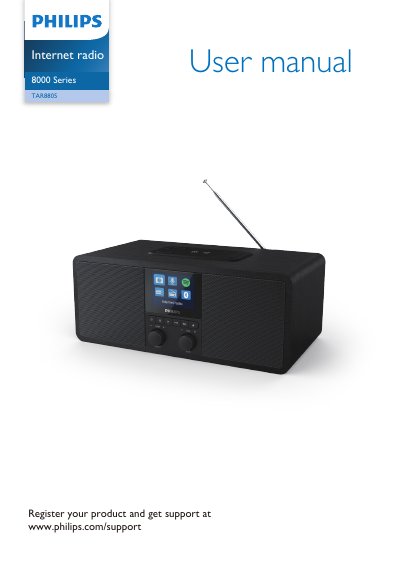
The Philips TAR8805 is an Internet radio in the 8000 Series. It can play Internet radio, DAB radio, FM radio, and audio from Bluetooth-enabled devices, and it can use a phone, tablet, or computer as a remote control for Spotify. It also has two alarms, a sleep timer, and a wireless phone charger plus a USB slot for charging.
This user manual covers initial setup, including antenna adjustment, power connection, and Wi-Fi setup using WPS PBC, WPS PIN, or the network key. It also describes Internet radio and podcast listening, Spotify, DAB and FM tuning, presets, system settings, alarms, Bluetooth playback, volume and mute, wireless charging, product information, troubleshooting, and notices.
| USB charging output | DC5V 1 A |
|---|
Connect the power adapter to the DC IN socket on the back of the radio and to the wall socket.
Select [Skip WPS], then enter the key for your Wi-Fi network when prompted.
If the system is idle for 15 minutes, the radio switches to standby mode automatically.