
This is a user manual for a portable projector, which introduces the product's features and characteristics, how to set it up and use it.
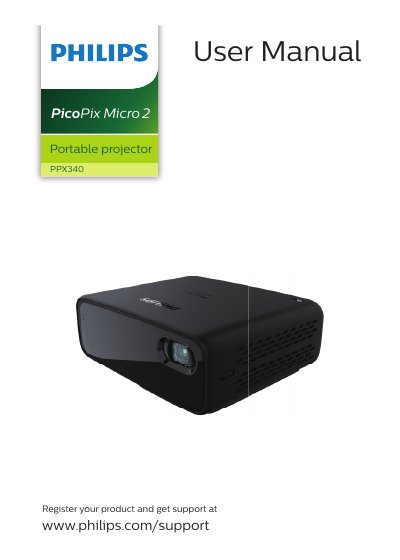
This user manual for the Philips PPX340 PicoPix Micro 2 portable projector introduces the product, its safety information and the items supplied in the box. It describes the rear, front and side views, the remote control, and HDMI or USB-C connections for image projection.
The guide also covers operation, placement, power supply, remote-control preparation, listening through external speakers or headphones, charging a USB device, HDMI ARC and EasyLink, changing language/input/picture/sound/power settings, service and troubleshooting, and the appendix.
| HDMI port | Connect to the HDMI output on a playback device |
|---|---|
| USB-C port | Connect to the USB-C video output on a playback device |
| Audio output | 3.5 mm |
| Supported audio format | Stereo |
| HDMI ARC | Supported |
The remote control uses two AAA batteries.
Press and hold the power button for one second.
Select the HDMI input in the settings menu.
It supports stereo audio format only.