
This is a product manual of USR-WP1, which introduces the product's features, instructions, network configuration, etc.
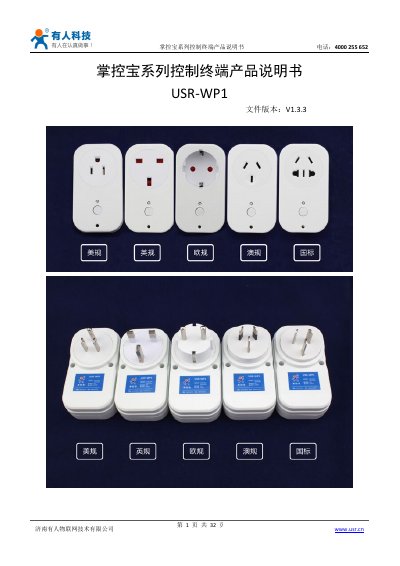
This manual guides users through setting up and controlling the USR-WP1 control terminal. It covers direct control via WiFi, local network control, and remote control using the app. The terminal can be managed through a mobile app available for iOS and Android, with instructions for connecting to WiFi, configuring network settings, and activating remote control features.
The manual also includes sections on product features, indicator lights, button functions, and troubleshooting. It provides step-by-step instructions for connecting the device, configuring it via USB or web interface, and using the app for control. Remote control requires registering an account and syncing the device to the cloud server. This manual is written in Chinese.
Plug the USR-WP1 into a power outlet and install the 掌控宝 software on a phone.
Open the phone settings, find USR-WP1 in the wireless LAN list, and connect to that network.
It means the network connection is successful.
The account and password must be 4-8 characters and can be numbers, letters, or a combination, with case sensitivity.