
This is a user's guide for Motorola Wi-Fi® Home Video Camera.
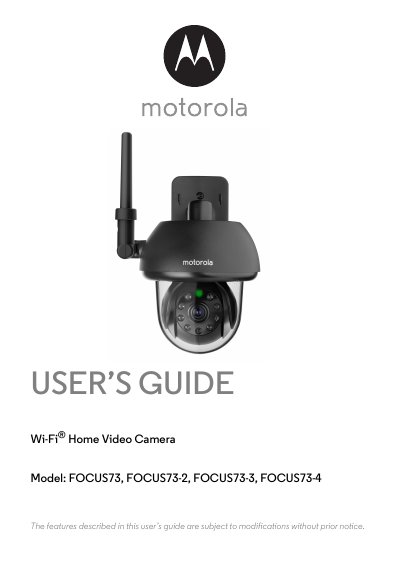
This user guide covers the Motorola Wi-Fi Home Video Camera models FOCUS73, FOCUS73-2, FOCUS73-3, and FOCUS73-4. It includes safety instructions, system requirements, setup with Android or iPhone/iPad devices, camera functions, PC or notebook viewing, resetting, help, and general information.
The camera can be viewed locally or remotely after setup. Setup requires a compatible smartphone or tablet and a Wi-Fi router, and the box includes the camera unit, power adapter, guides, mounting hardware, tamper-proof screw, metal bracket, and wrench key.
| Model numbers | FOCUS73, FOCUS73-2, FOCUS73-3, FOCUS73-4 |
|---|---|
| Pair / Setup LED state | Green and rapidly flashing |
| Unconnected LED state | Green and slowly flashing |
| Connected LED state | Green and always on |
| Android system requirement | Version 4.2 or above |
| iPhone/iPad iOS requirement | Version 7.0 or above |
Connect the camera to the power adapter, plug it into a suitable mains power socket, and complete setup using a compatible smartphone or tablet.
No. Setup can only be done with a compatible smartphone or tablet, not via a PC.
The box includes the Wi-Fi camera unit, power adapter, quick start guide, user guide, mounting screws and dry wall plugs, tamper-proof screw, metal bracket, and wrench key.
The web portal requires Windows 7 or Mac OS 10.7 with supported browsers and software; Android requires version 4.2 or above; iPhone or iPad requires iOS 7.0 or above.