
Lutron Energi TriPak is a wireless lighting control system that saves energy using sensors and controls for commercial spaces.
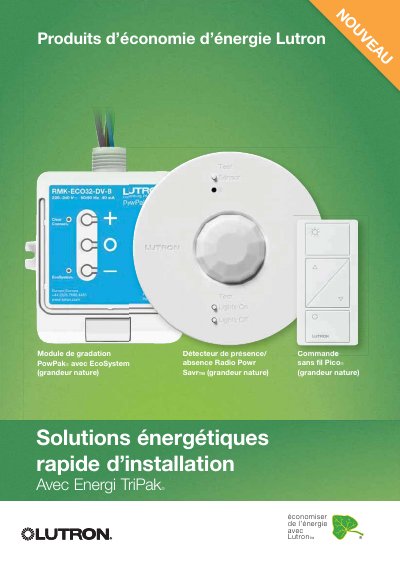
Energi TriPak is a wireless system by Lutron that saves energy through sensors and controls. It uses Radio Powr Savr™ sensors, Pico® controls, and PowPak® controllers to manage lighting and HVAC. The system is designed for commercial spaces like restrooms, offices, conference rooms, and classrooms, offering energy savings of up to 60% for lighting. Installation is simple with no additional wiring, and programming is done via button presses. Components communicate via Lutron’s Clear Connect® RF technology. This manual is written in French.
| Energy Savings | Up to 60% for lighting |
|---|---|
| Installation | Wireless, no additional wiring |
| Programming | Button press programming |
| Communication Technology | Lutron Clear Connect® RF |
It uses wireless sensors and controls to automatically turn lights on/off based on presence or daylight, reducing energy use by up to 60% for lighting.
No, it is fully wireless and requires no additional wiring for installation.
It uses Lutron’s Clear Connect® RF technology for wireless communication between components.